Home > Features > All Features
Cutting-Edge Software Features for Healthcare Practices
For over 30 years, we’ve crafted advanced IT solutions tailored for Chiropractic and small medical practices. Our suite includes Practice Management Software, Scheduling, Cloud Backup, SOAP Notes/Electronic Medical Records, Billing, and Patient Communication Services. Our goal? Enhancing practice revenue through efficiency, patient growth, and cost reduction.
-
Let’s Talk
Our system minimizes lost revenue and reduces time spent on booking visits.

All Features
-
SOAP Notes + SALT
-
Pinpoint Pain Points
-
Memos Make Priorities Clear
-
Create EHR Quickly & Easily
-
Customize Your Notes
-
1 Program = Complete Solution
-
Your Schedule in a Glance
-
All Your Patient Data in 1 Place
-
Mouseover Note
-
Customer Support
SOAP Notes + SALT
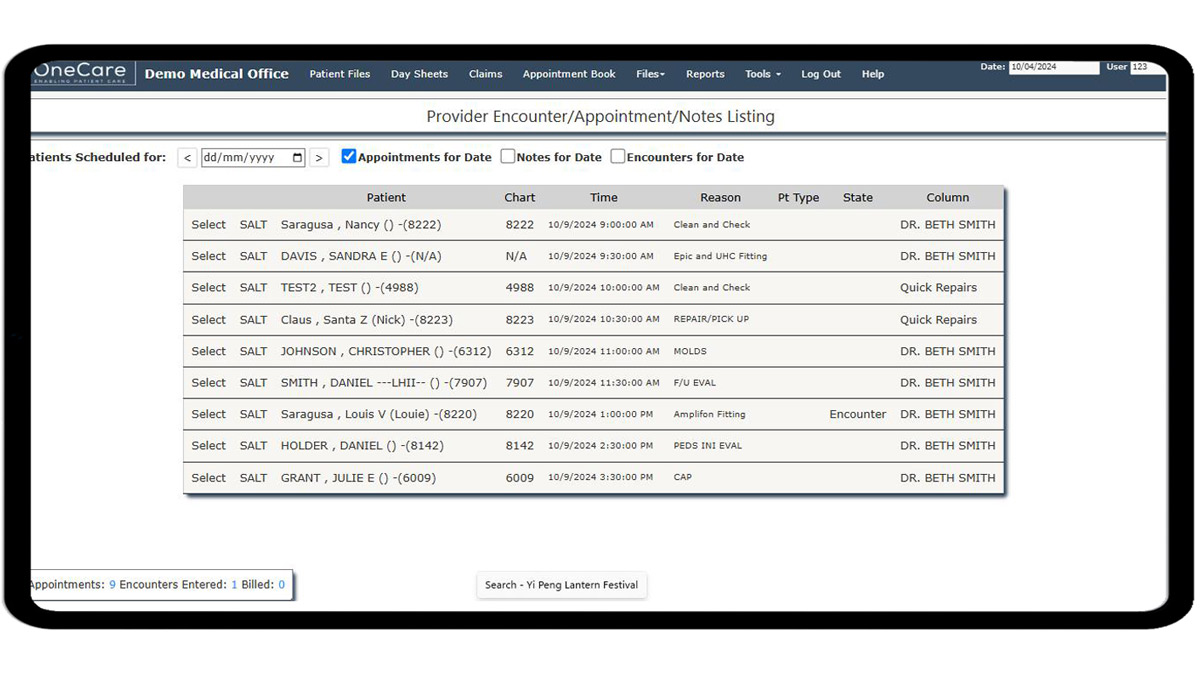
Our SOAP notes software presents you with your most relevant patients by providing a list of all today’s appointments with the option of using the Same As Last Time (SALT) feature.
Pinpoint Pain Points
The list of problem areas is filterable using a clickable image.
By clicking on the lower back portion of the image, the list of problems will be narrowed down. You also have the ability to customize the problem, area, severity, and frequency
Memos Make Priorities Clear
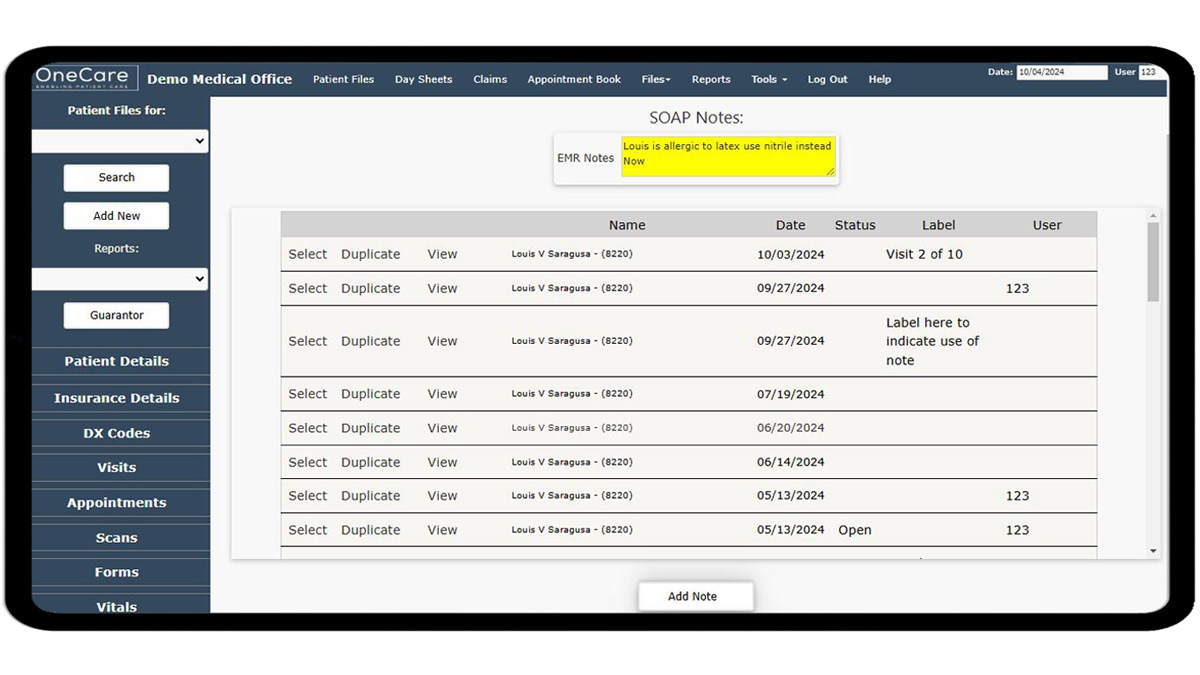
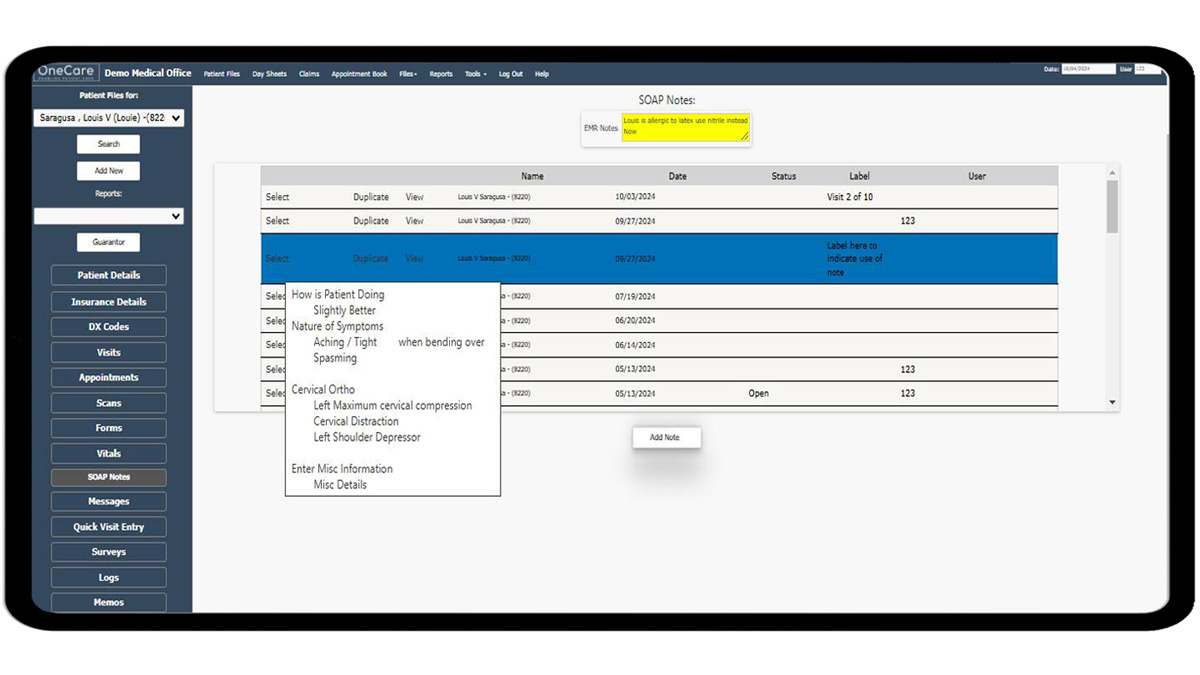
The SOAP notes tab of the patient chart has a convenient memo for critical details and a quick preview of what’s inside each note.
Create EHR Quickly & Easily
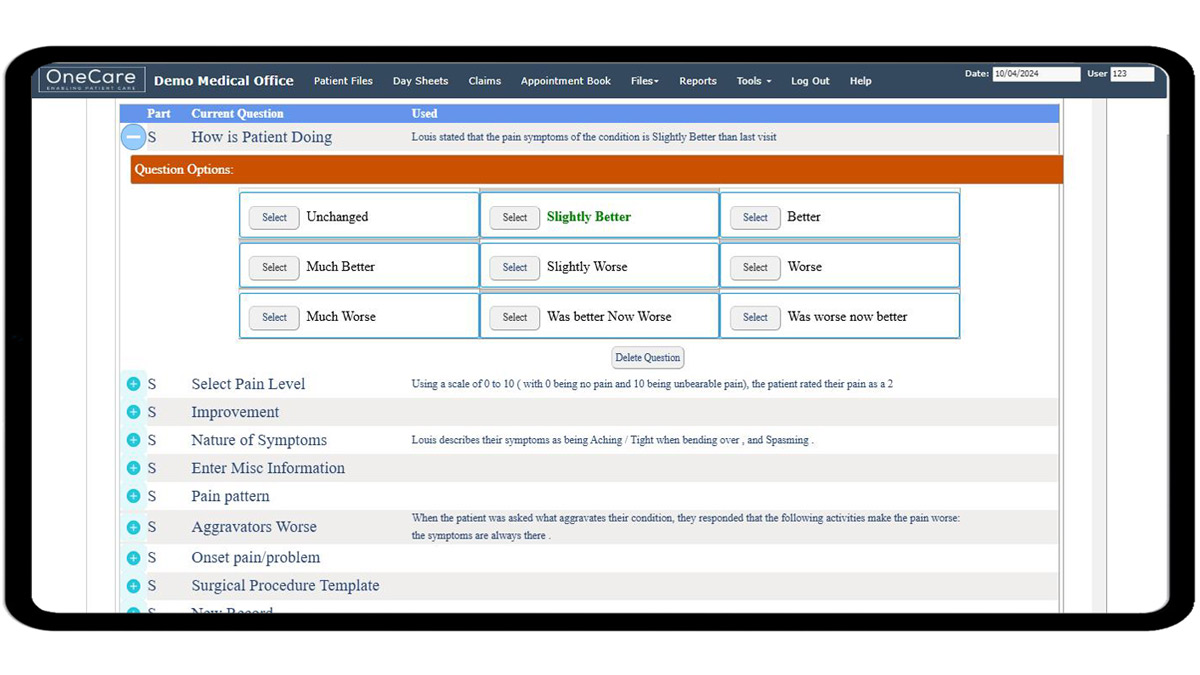
Quickly and easily build a SOAP note by clicking options from the customizable library.
Customize Your Notes
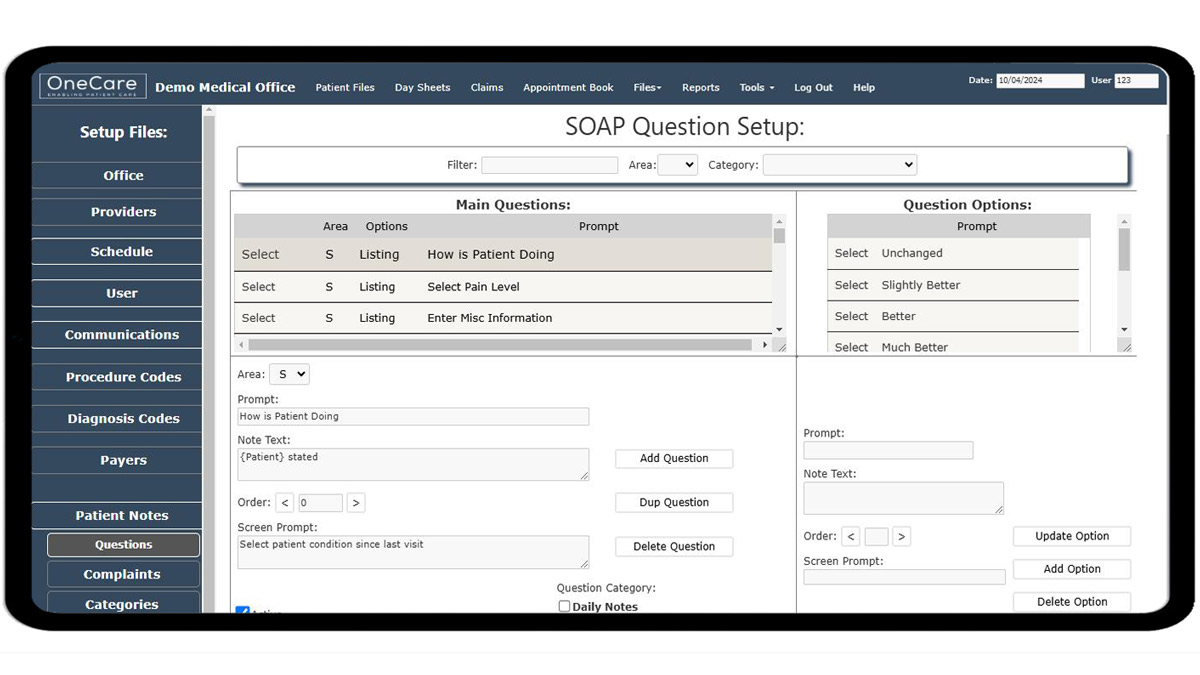
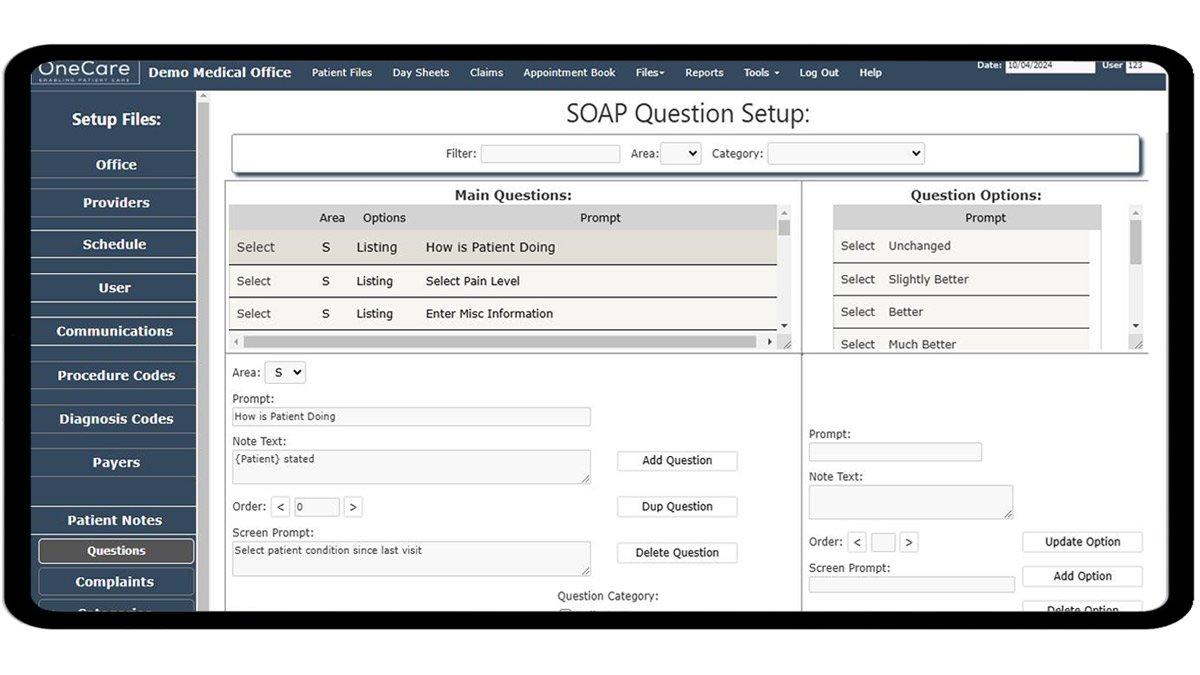
You can customize your entire SOAP note library to put everything in your own words.
1 Program = Complete Solution
This is the home/launch screen of Doctors Access Practice Management.
You can see all the main functions are present with several in-depth setup options in the drop-down menus.
Your Schedule in a Glance
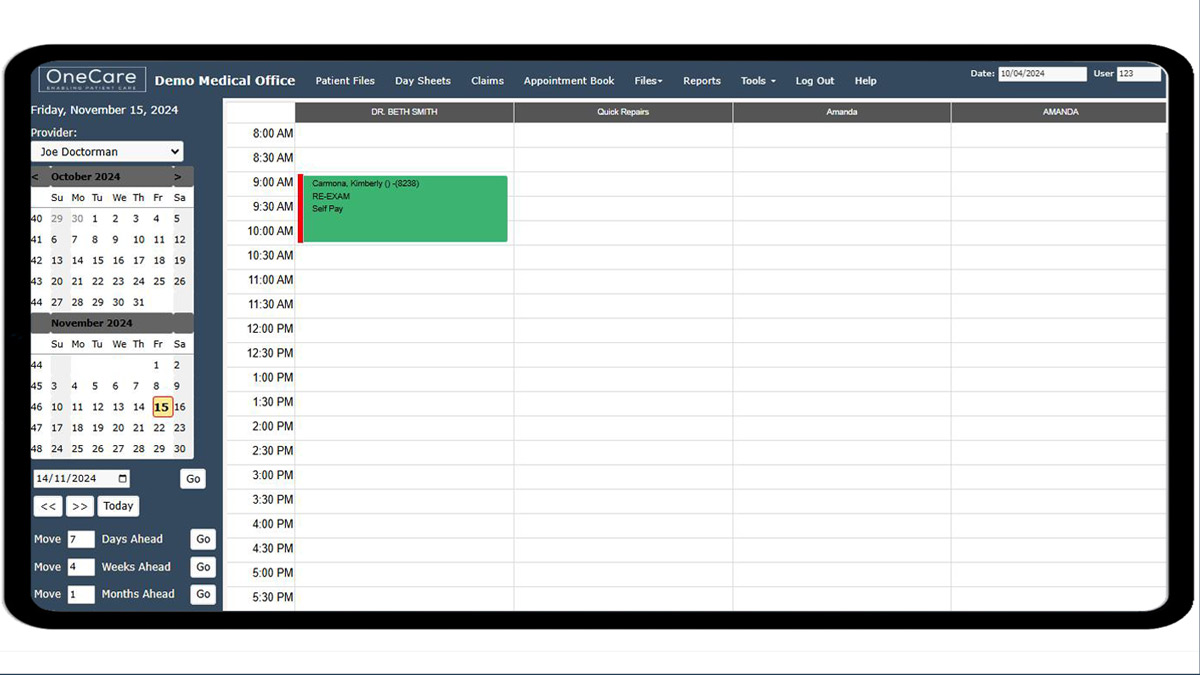
You can customize to have multiple schedules for each provider, including the number of columns, default time increments, unlimited reasons, as well as a direct link to the patient’s chart from their appointment.
All Your Patient Data in 1 Place
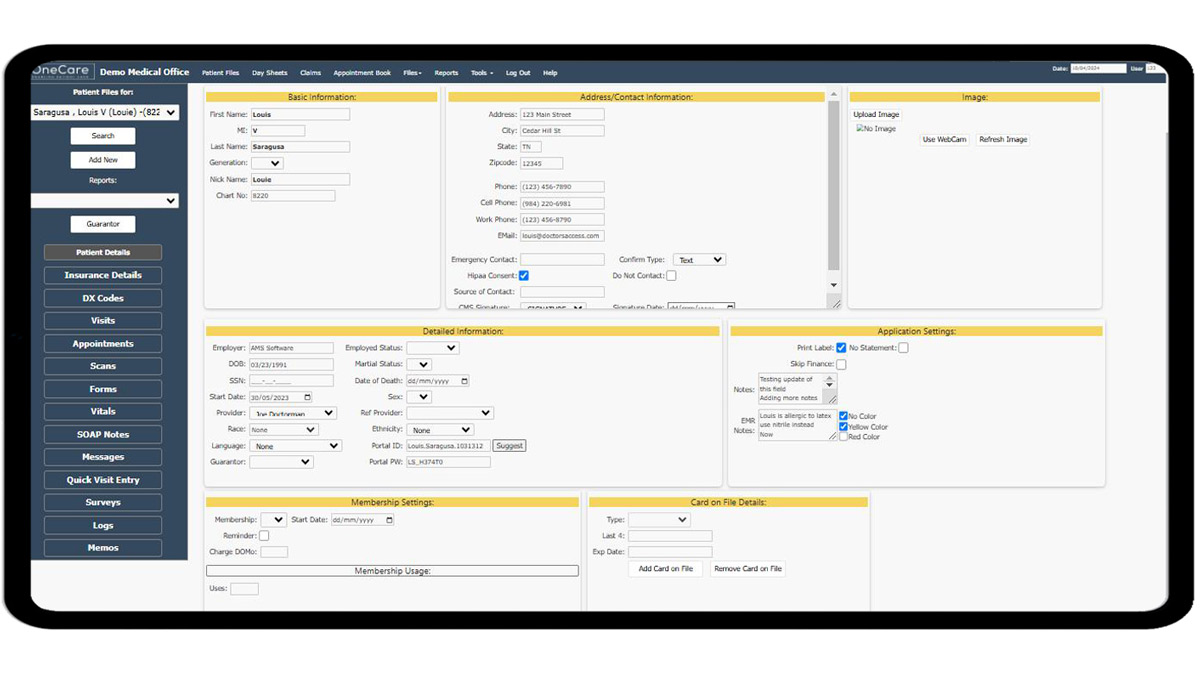
This is the patient screen.
It is divided up into 4 separate tabs:
-
Demographics -
Insurance -
Diagnosis -
Visits
From here all the specific visit details can be seen and entered. Utilizing this screen will increase your productivity because it is thoughtfully laid out and easy to learn and understand.
Most practices only require 1 short training and can begin entering new patients, visits, and uploading claims to the Clearinghouse.
Mouseover Notes
One of our most loved features is the mouseover note functionality you get from the memo screen. Without having to click into every patient, you can quickly see all of the most important information to your practice.
Of course, the information displayed is fully customizable, like everything else in our software suite!
The Best Customer Support!
We absolutely pride ourselves on having the best customer support in the industry!
Our software is very easy to learn but if you need additional training or technical support at any point, we are ready and willing to help!
Our software will save your practice time and money if you are using it properly.
…And we will make sure you are!